

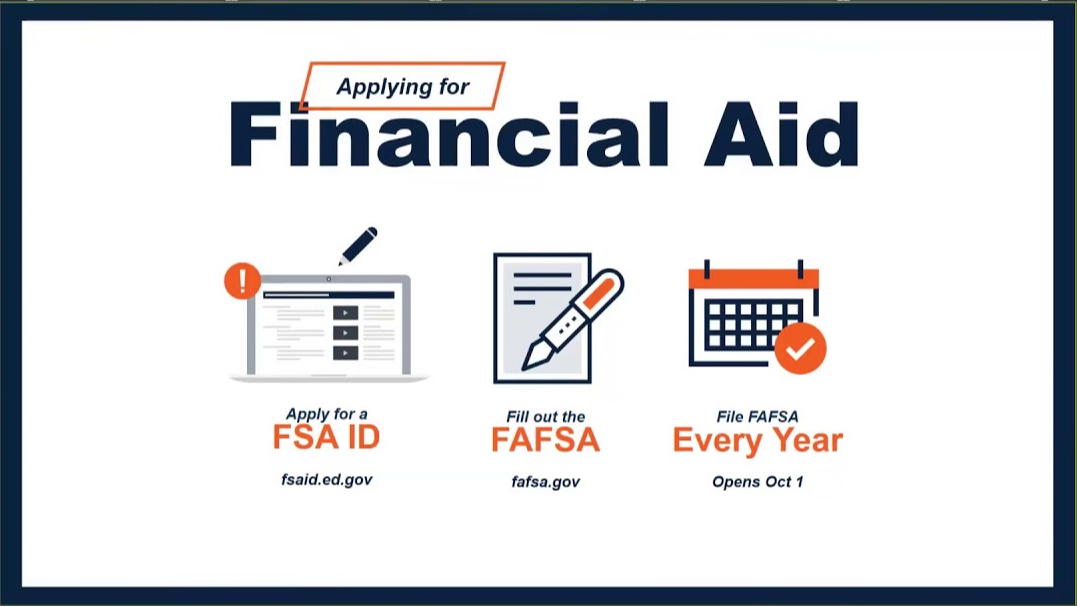
Click above image for detailed step-by-step guide.
All financial aid starts with one source, the federal government. Follow these quick and easy steps to get started on getting money for your education after high school. Let's get started:
1. Obtain an FSA ID-An FSA ID is a username and password that you must use to log in to certain U.S. Department of Education (ED) websites. Your FSA ID identifies you as someone who has the right to access your own personal information on ED websites such as the Free Application for Federal Student Aid (FAFSA®) site at fafsa.gov. If someone can claim you as a dependent, then that person will also need to get an FSA ID too. Click the link below to access the FSA ID website.
FSA ID link
2. Apply for FAFSA- is a form that can be prepared annually by current and prospective college students (undergraduate and graduate) in the United States to determine their eligibility for student financial aid. Click link below to be connected to the FAFSA website:
FAFSA link
3. Some schools require students to also complete the CSS Profile.
Click here to start your CSS Profile application.

4. Other Financial Aid documents, Click on the files below to access
Tip Sheet for Undocumented Students
What is the IRS Data Retrieval Tool?
Parent Plus Loan Info